One conversation. The same design.
Continue your project discussion around the current version. Review and approve the proposed changes before generating.
THE CREATIVE WORKSPACE FOR YOUR TEAM
Talk it through. Explore a design. Refine every detail. Bring AI conversations, editing, on-model imagery and proposals into one creative workspace.
For apparel, uniforms, accessories and everyday goods.
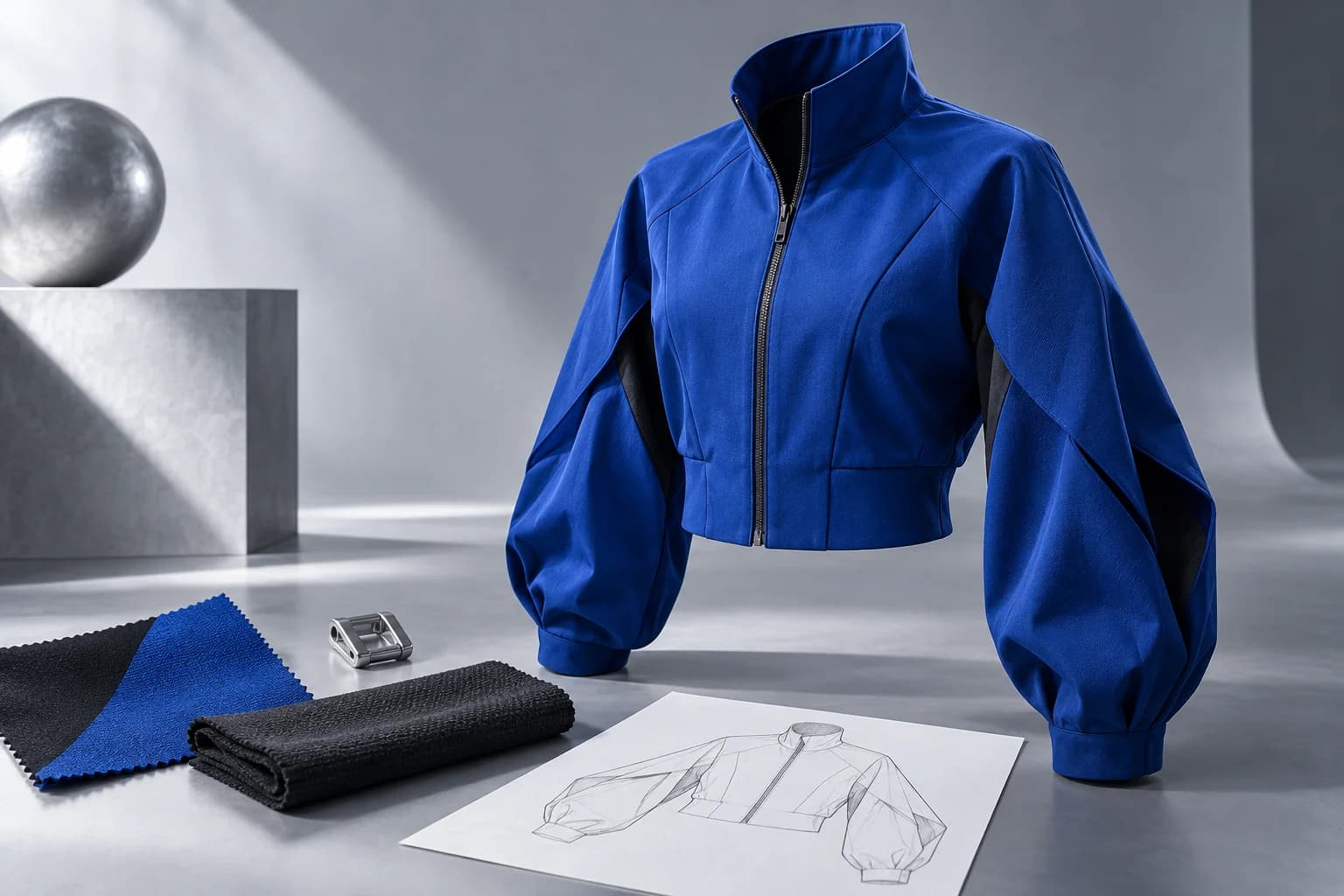
Discuss
Design
Refine
Share
AI DESIGN EDITING
“Change the collar.” “Use this pattern on the sleeves.” Move between conversation and canvas to shape a more specific design.
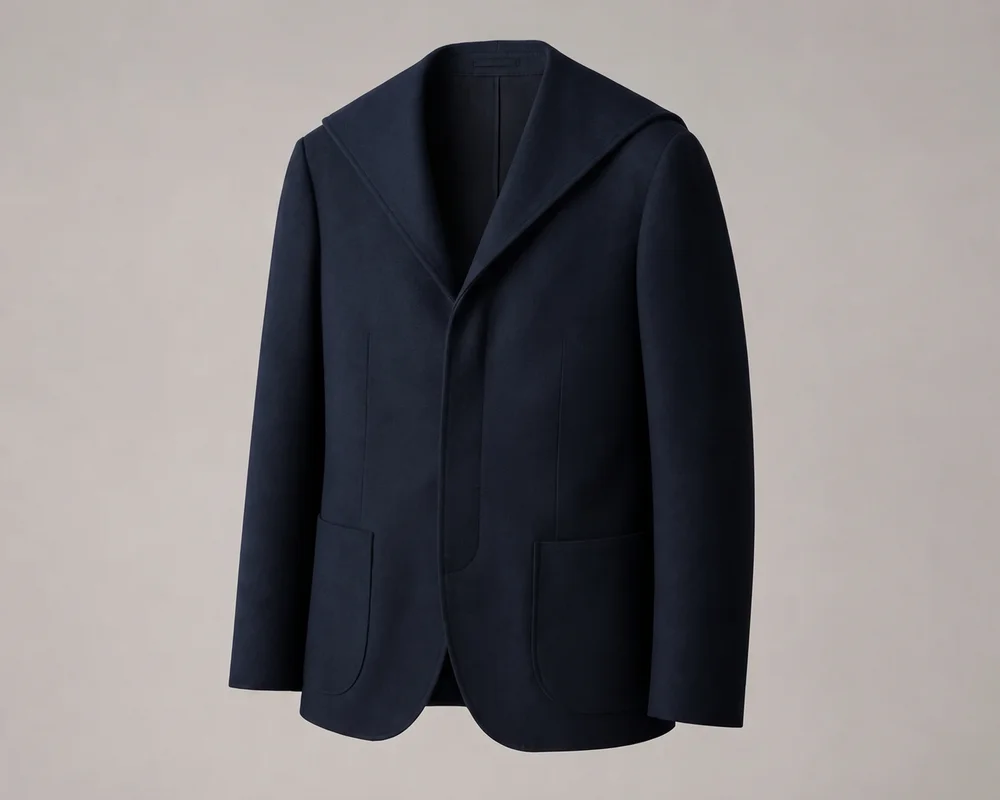 AI shape edit
Actual examples from our design editor. Interface simplified for illustration.
Continue your project discussion around the current version. Review and approve the proposed changes before generating.
Refine shape, fabric, color and graphics in one workspace. Brush or draw around an area, then adjust the position and size of your artwork.
Keep generated alternatives, compare with the original and publish only your selected result to the item.
FROM FIRST THOUGHT TO SHARED DIRECTION
Keep the context of your work, from first conversation to a shared decision.
Discuss a direction or explore references with AI. Start from words, images or sketches.
Keep conversations and items together. Compare design options with your team.
Refine silhouette, material, color and graphics. Revisit the history of any promising direction.
Develop on-model imagery, color options, flat sketches and proposal drafts. Download saved outputs for review.
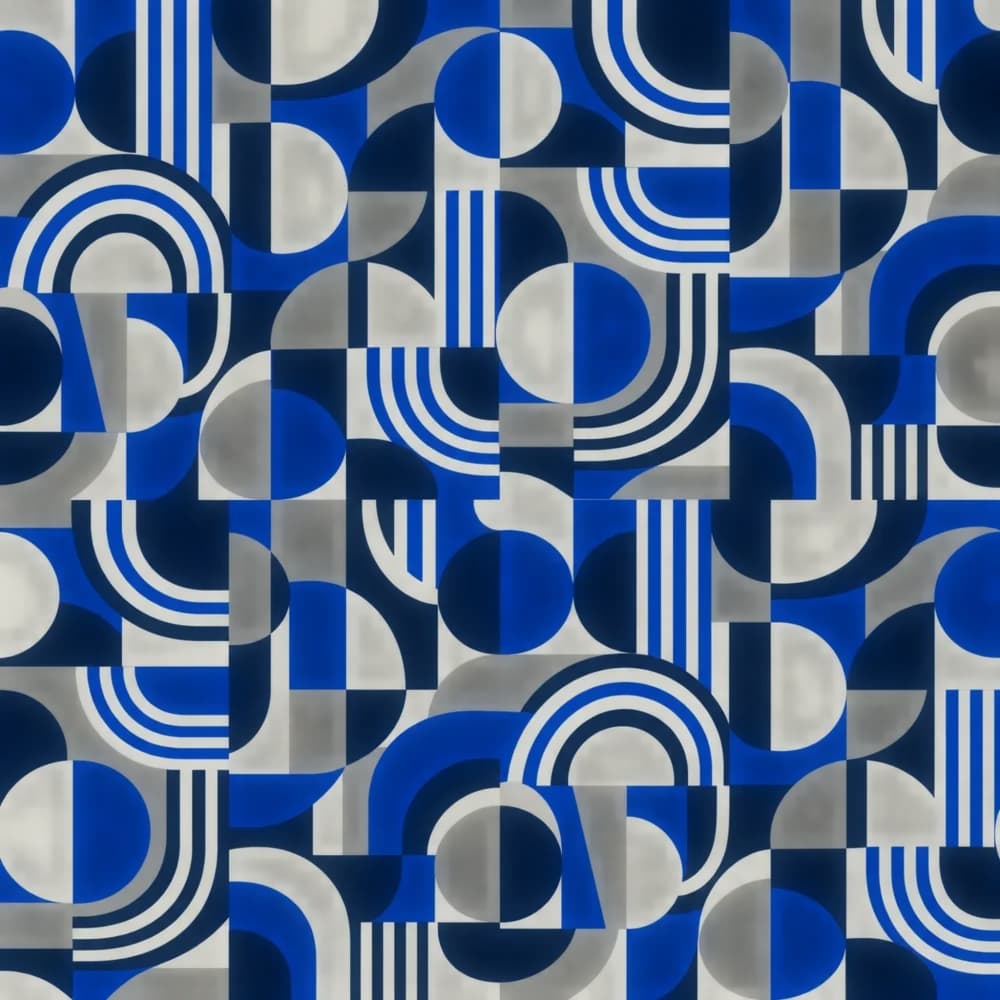
GRAPHICS & PATTERNS
Place your own assets or create new ones from words and references. Adjust pattern scale, repeat and position, then generate an application that follows the garment’s form.
Place your own artwork without redrawing it. Remove its background and adjust its position and size to suit your design.
DESIGN TO STYLING
Compare traditional tailoring and a contemporary look on the same model. Explore the silhouette and mood that a product image alone cannot convey, then share your collection’s direction.
AI-created sample imagery. Not a guarantee of physical fit or measurements.
One model. Two directions.
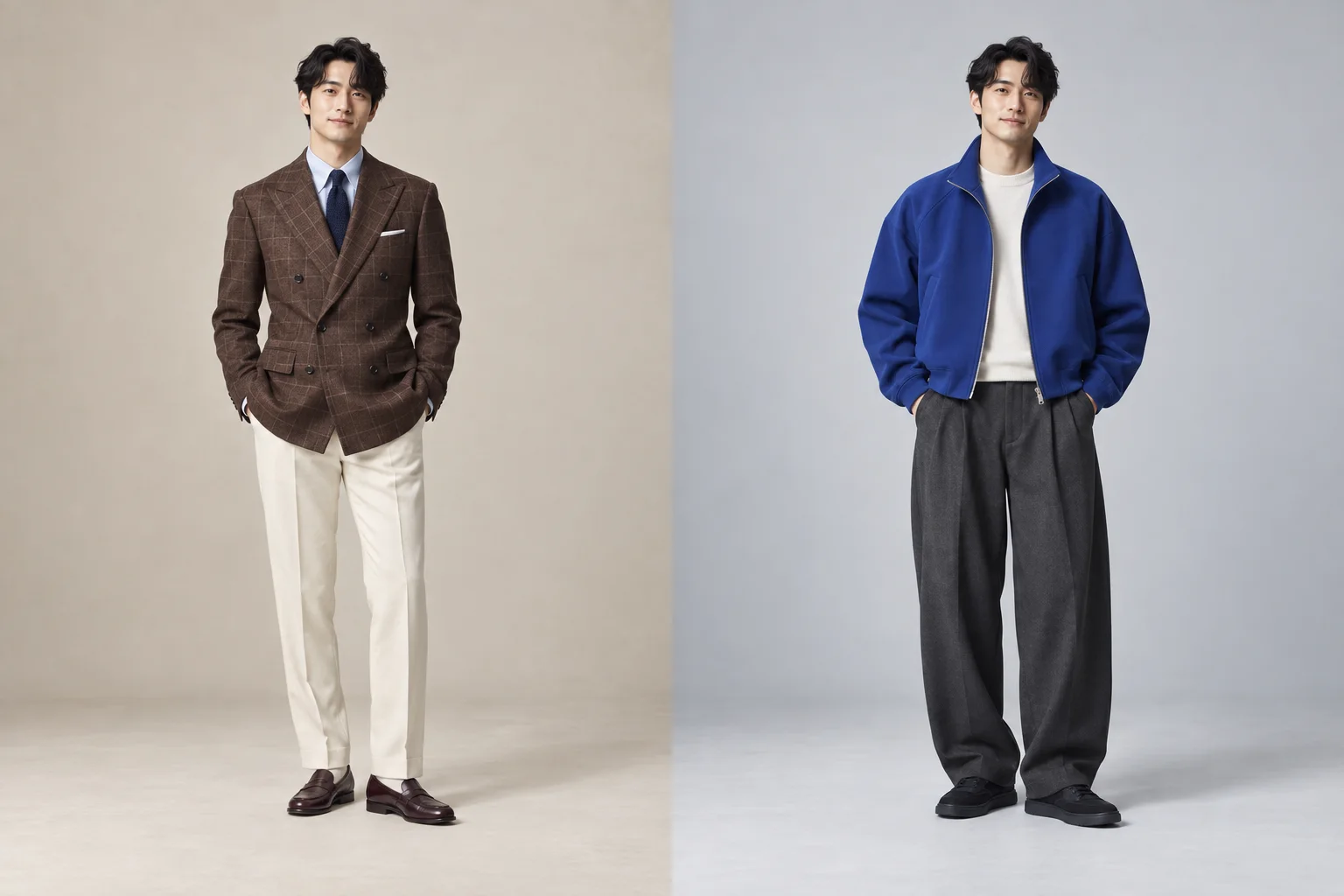
Refined tailoring
Expressive color and silhouette
MADE FOR YOUR FIELD
Your organization’s category informs AI suggestions and generation context. The core workflow stays familiar.
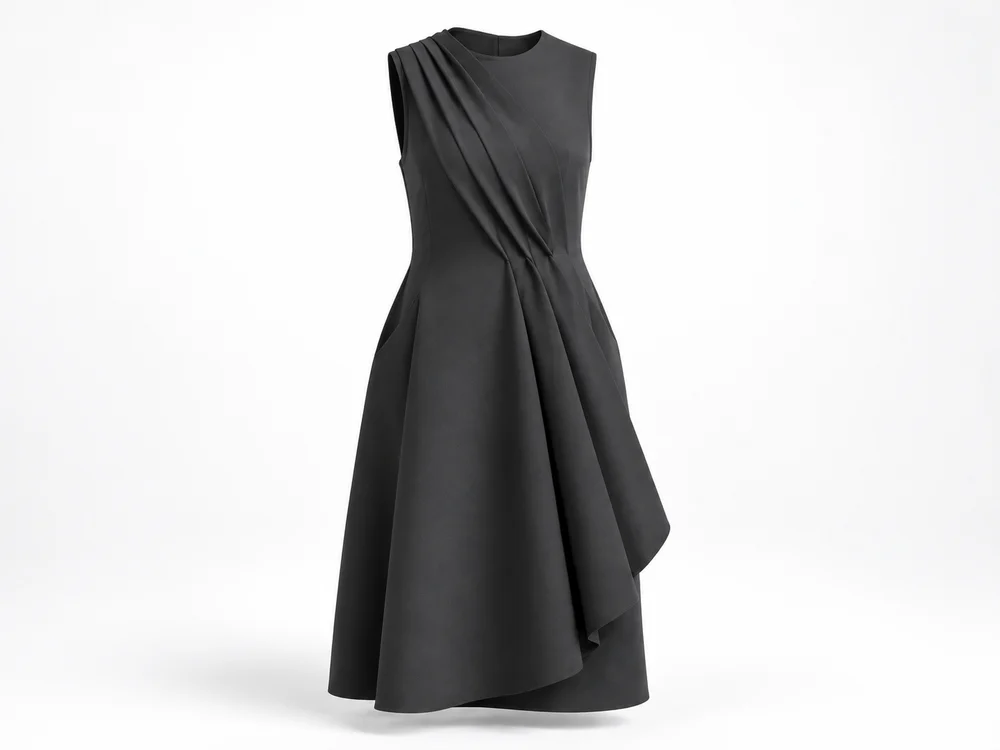
Womenswear, menswear & kids
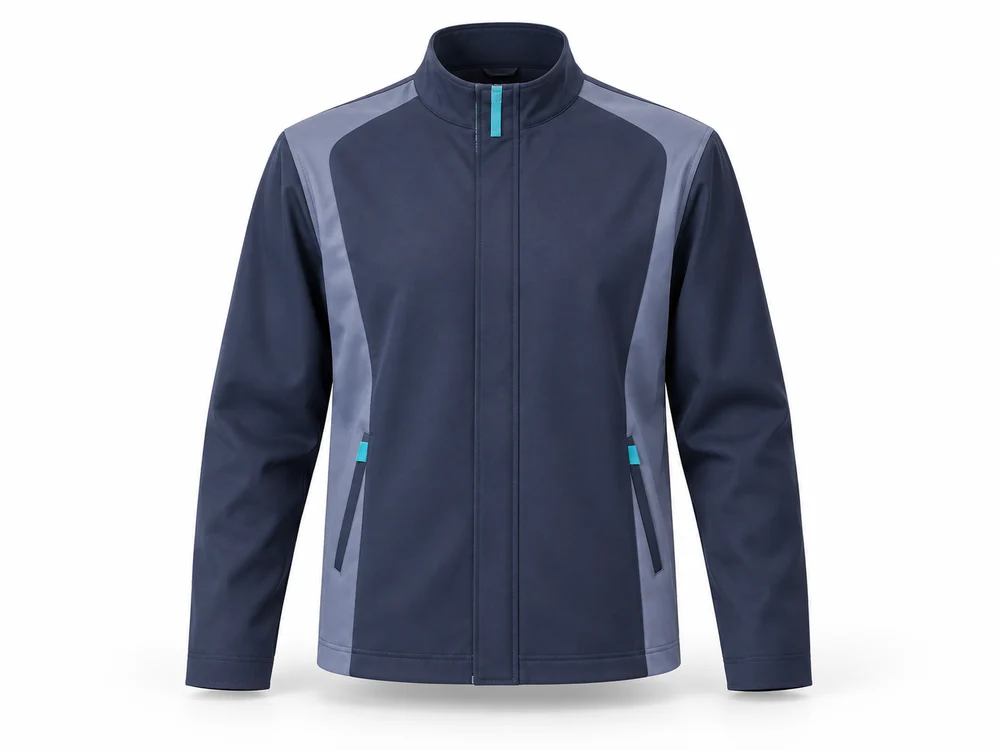
Workwear & service
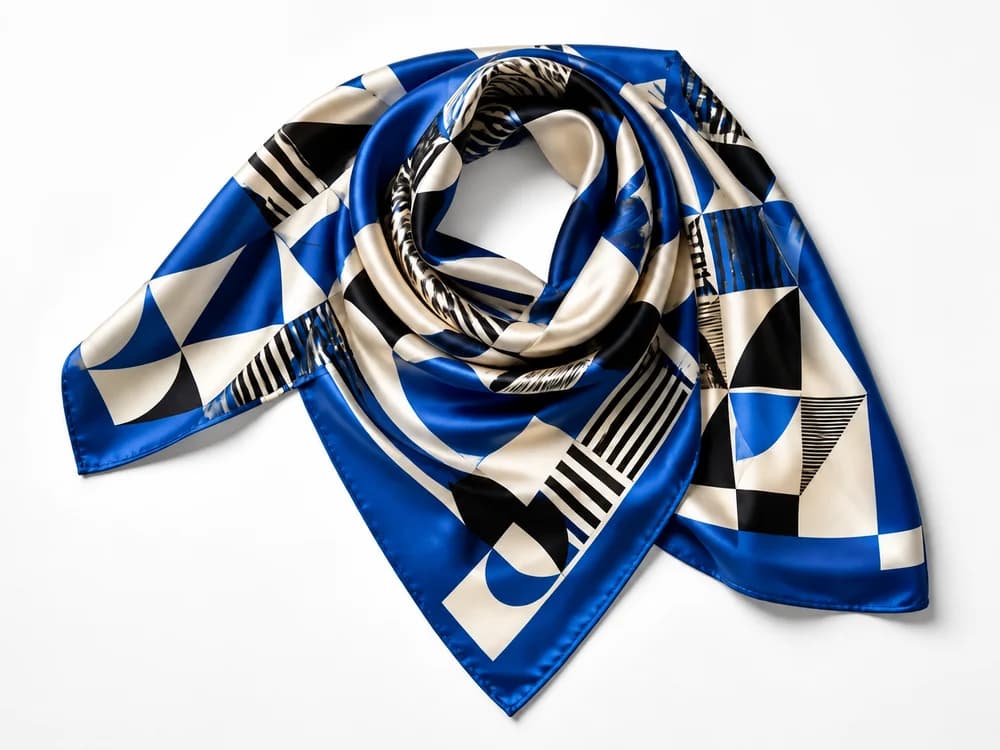
Bags, hats & scarves
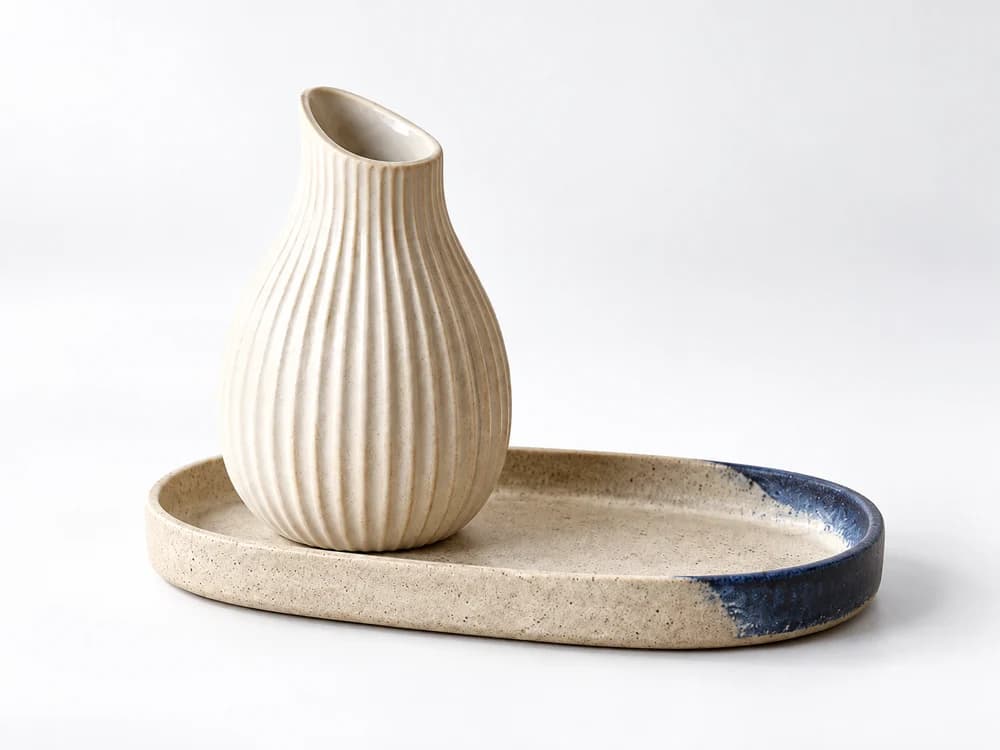
Everyday objects
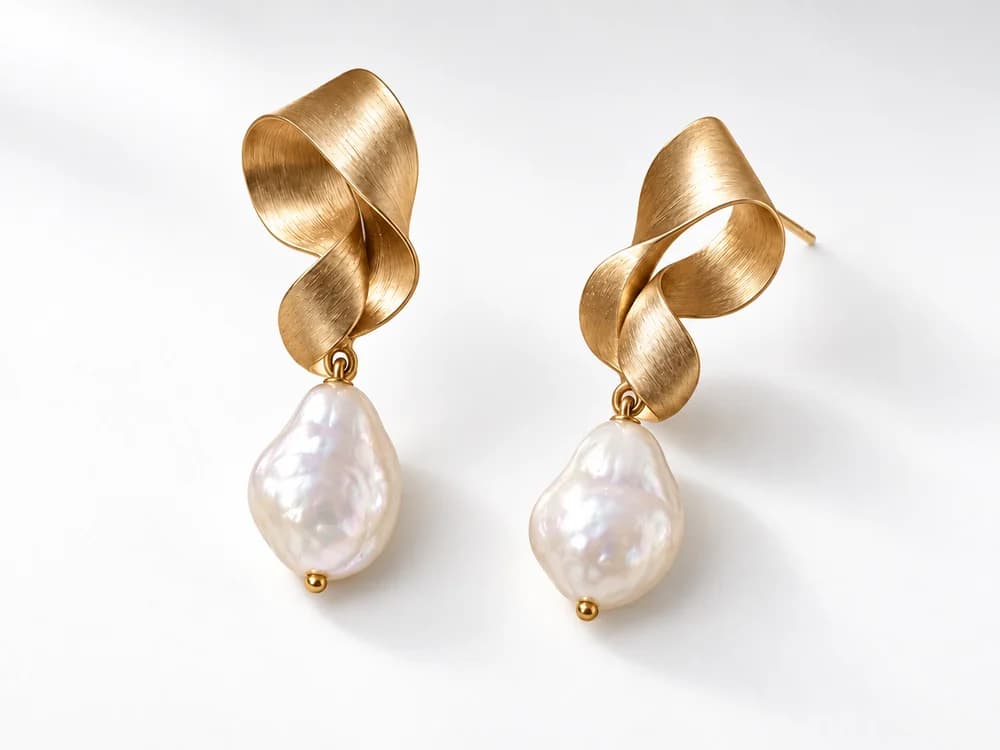
Necklaces, earrings & brooches
AI-created design imagery
PRICING
AI conversations, design generation, editing and team sharing. Your day-to-day creative workflow, together.
¥100,000/ month, excl. tax
Ask us about a demo or trial. We will help you find the right setup for your team.
QUESTIONS & ANSWERS
Start by telling AI what you want to create. Use visual controls and written instructions together. Final specifications and production decisions still need a designer or specialist’s review.
Yes. Place an uploaded asset as a layer without having AI redraw it. Adjust placement and remove its background. AI garment application may change fine details, so compare text, marks and patterns with the original.
Shape, selected areas, fabric, color and graphics. Choose strict outside-area preservation for local changes or natural boundary blending for shape changes, then compare the results.
Switch between workspaces you belong to. Projects and libraries are managed by organization. Talk with us about the contracts and team setup for each brand.
LET’S CREATE WHAT’S NEXT
See the actual product and explore a workflow that fits your team.