
OWN. CONNECT. ELEVATE.
Where what you love becomes value.
Create fashion with AI from photos or words. See your character, Echo, wear your looks and enter design contests. OWM is an app for expressing the style you love.
BROWSE THE COLLECTION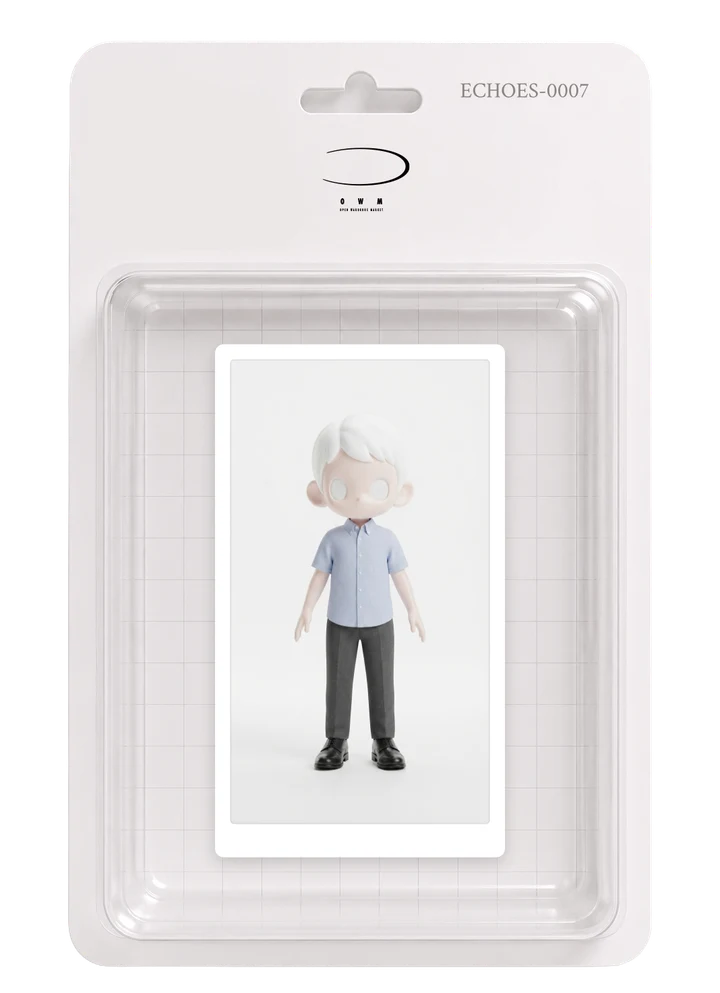
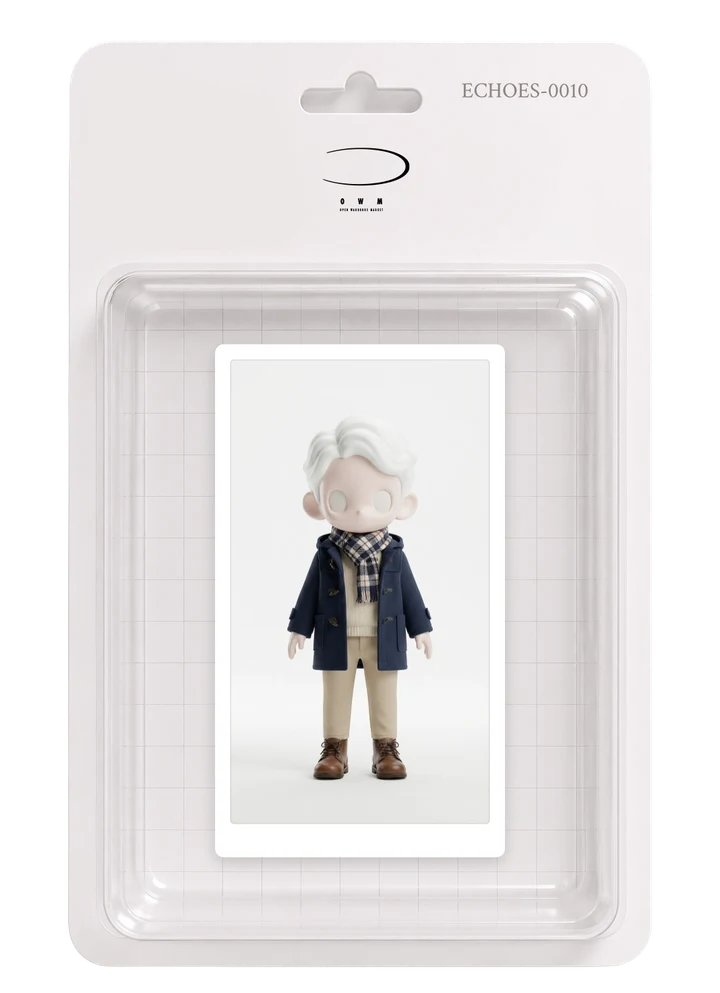
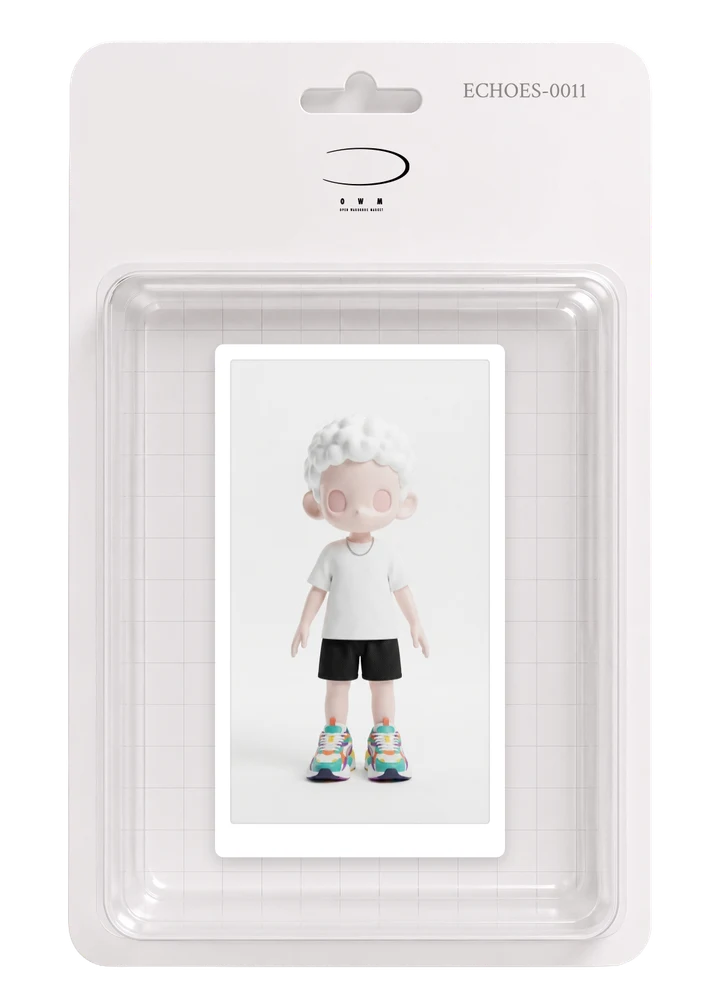
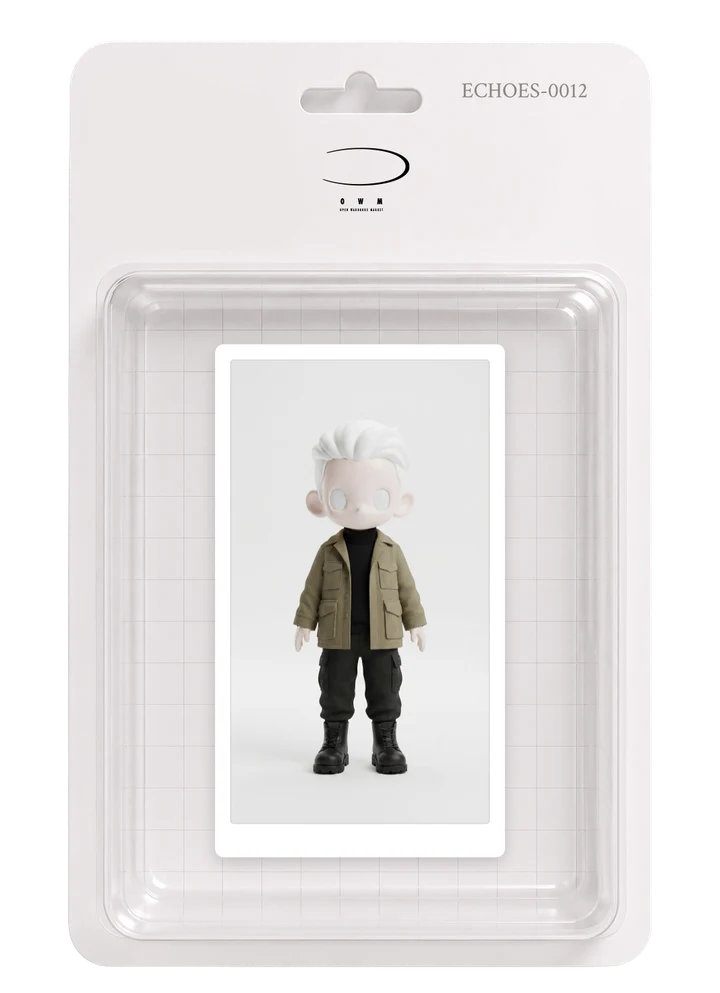
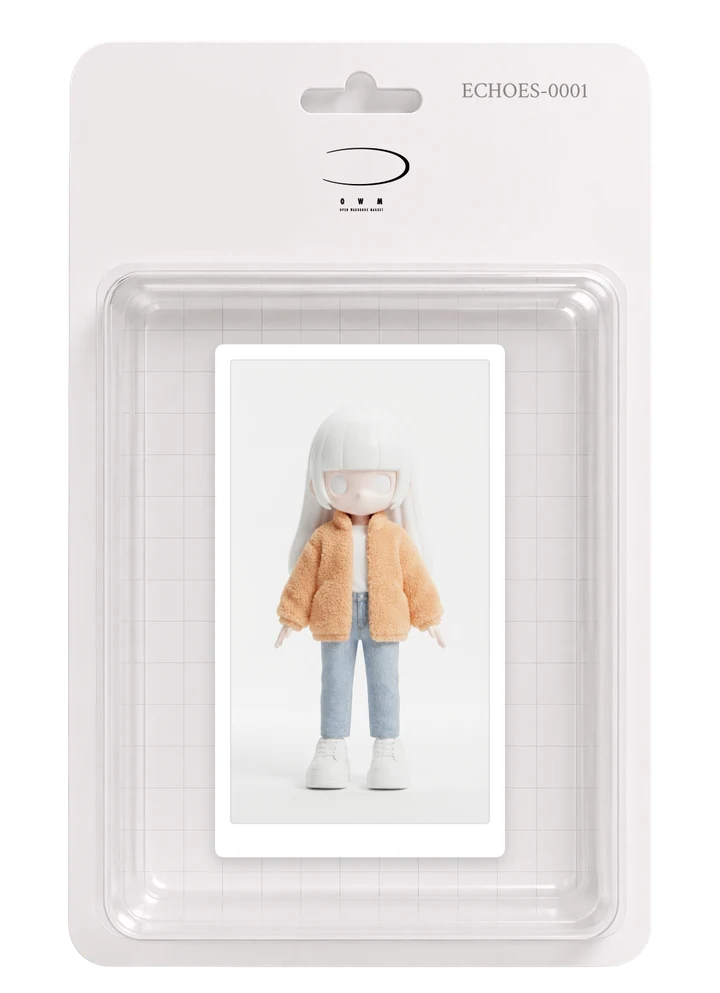
ABOUT
WHAT IS OWM?
Physical, digital and experiential — one marketplace that connects it all.
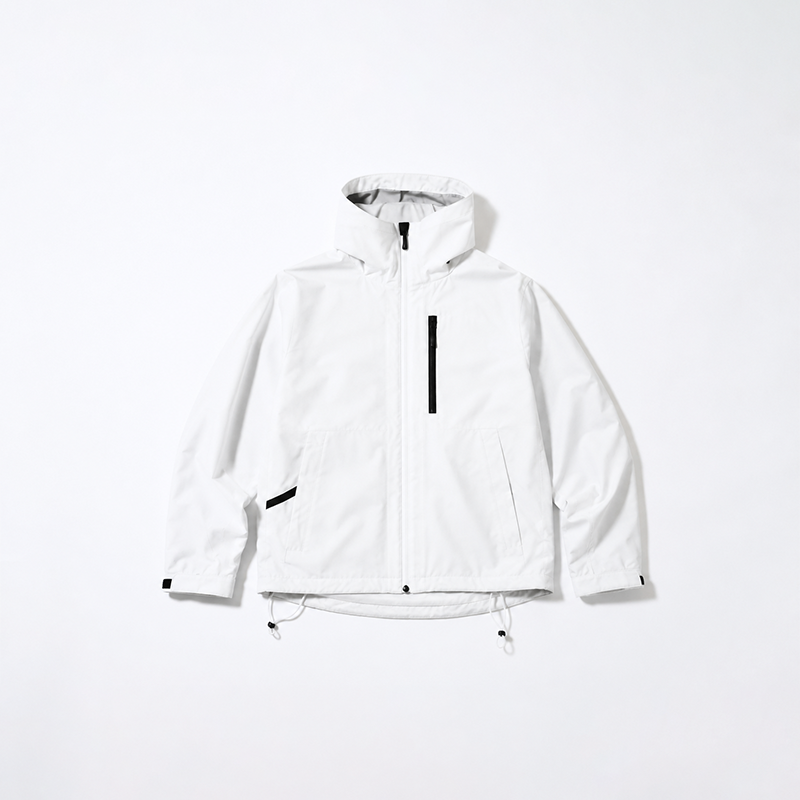
REAL ITEMS
Explore published garments and products in our official web store
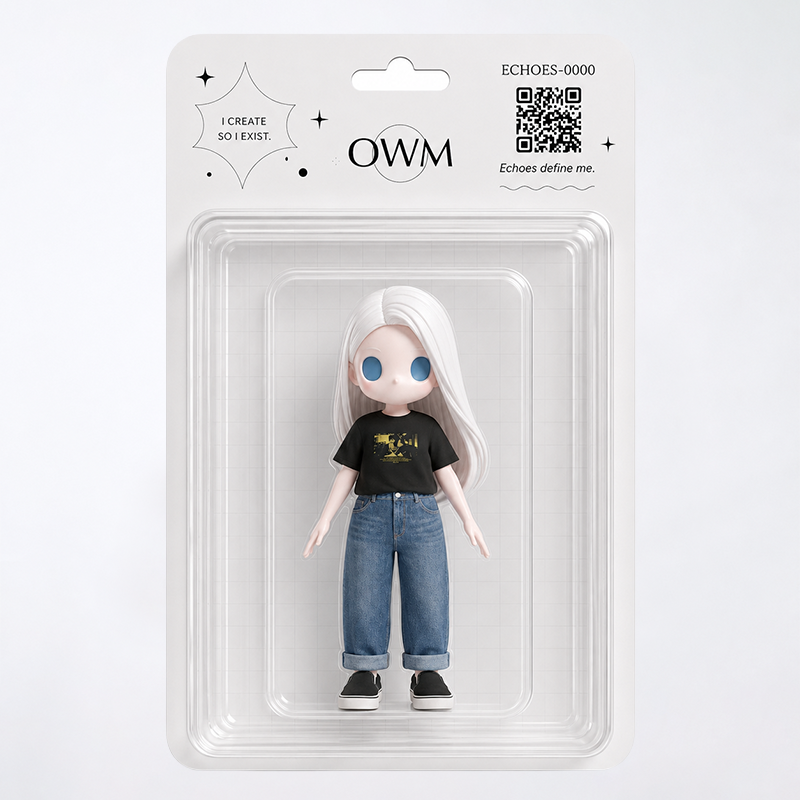
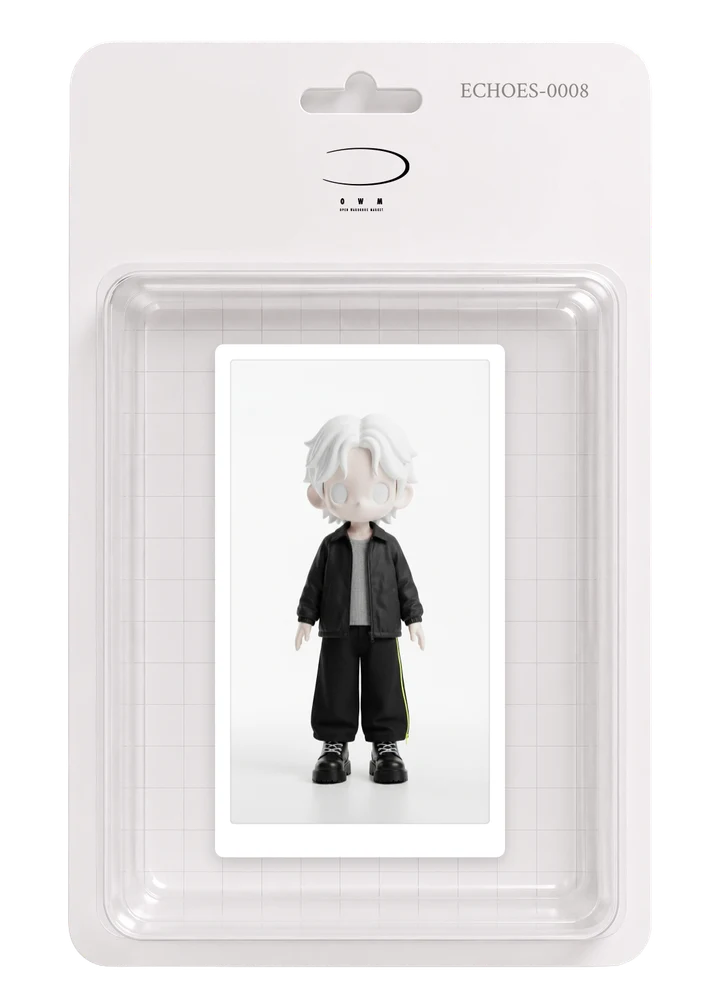
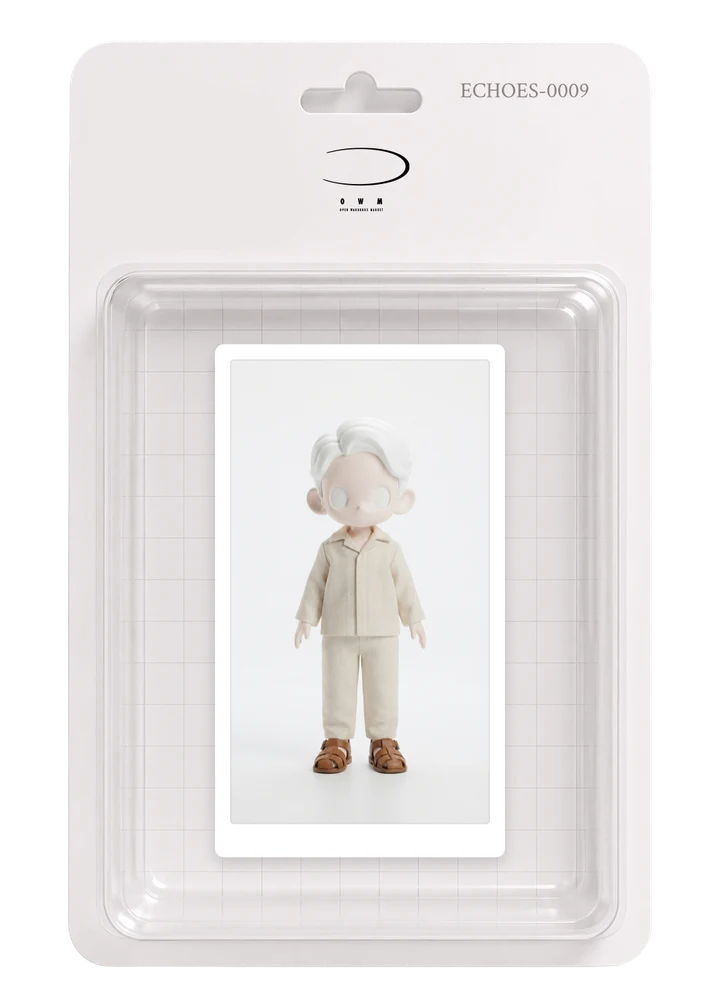
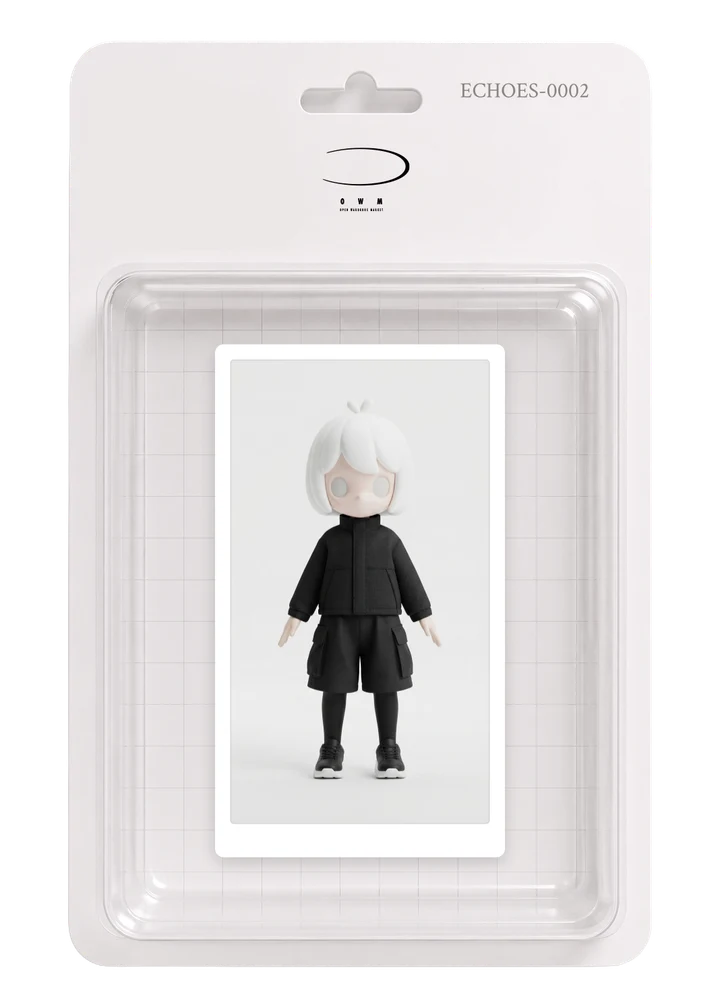
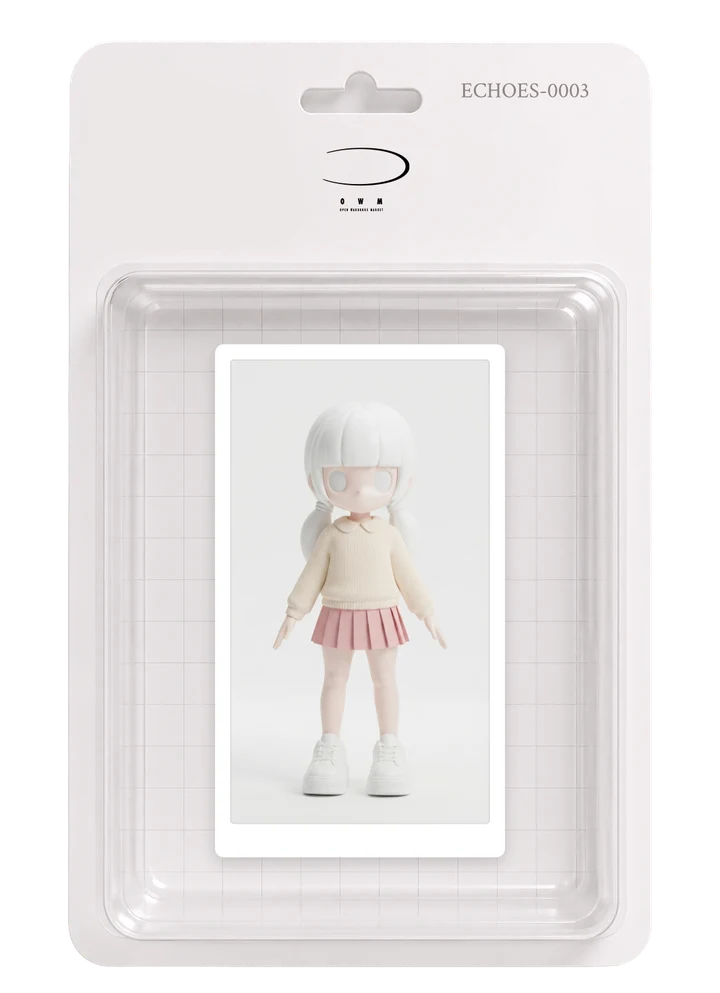
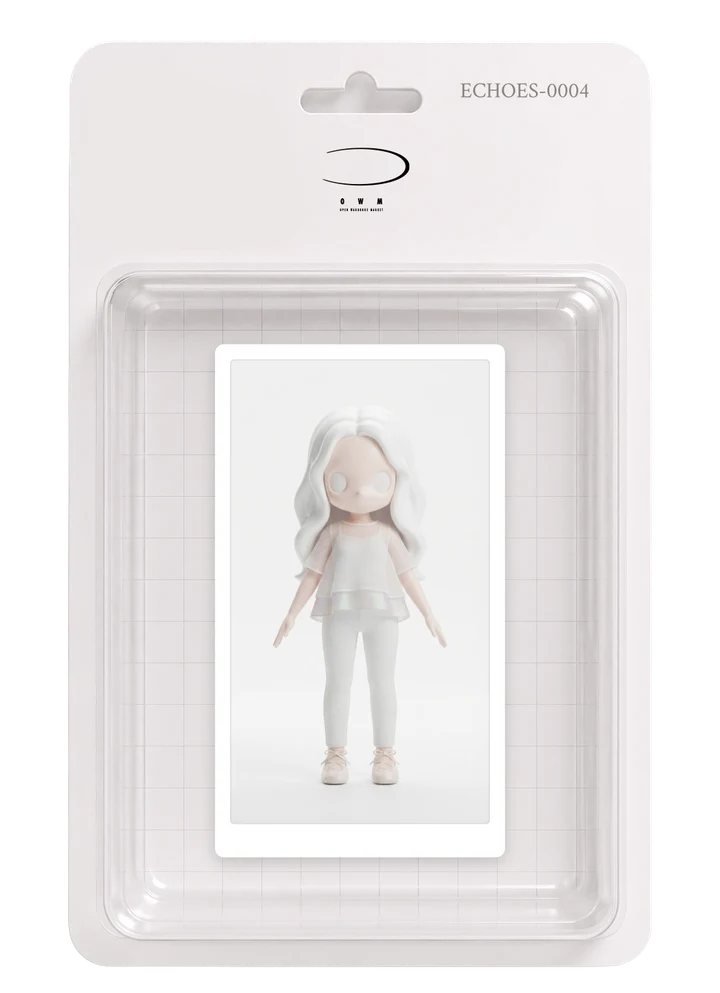
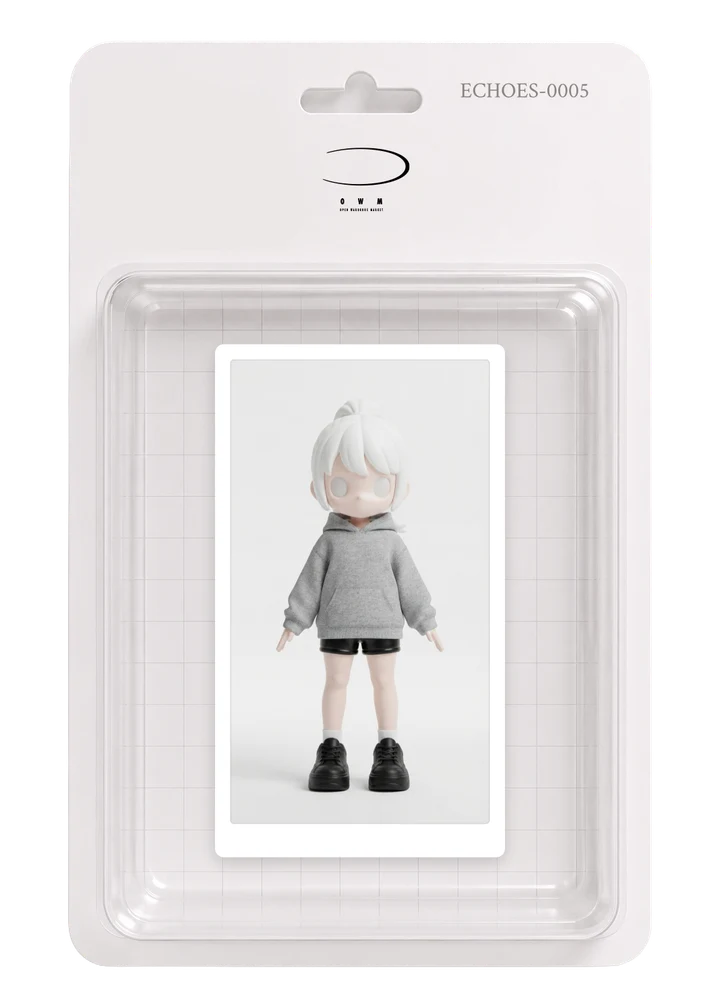
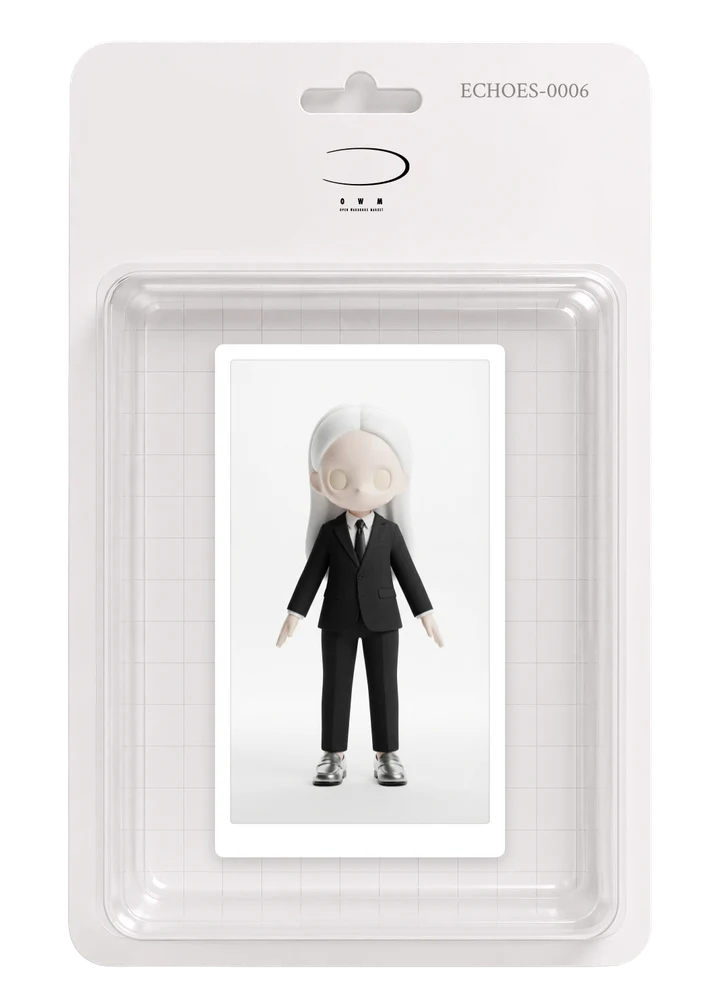
ECHOES
AI turns memories from your camera and your words into fashion — your own Echoes to enter into events
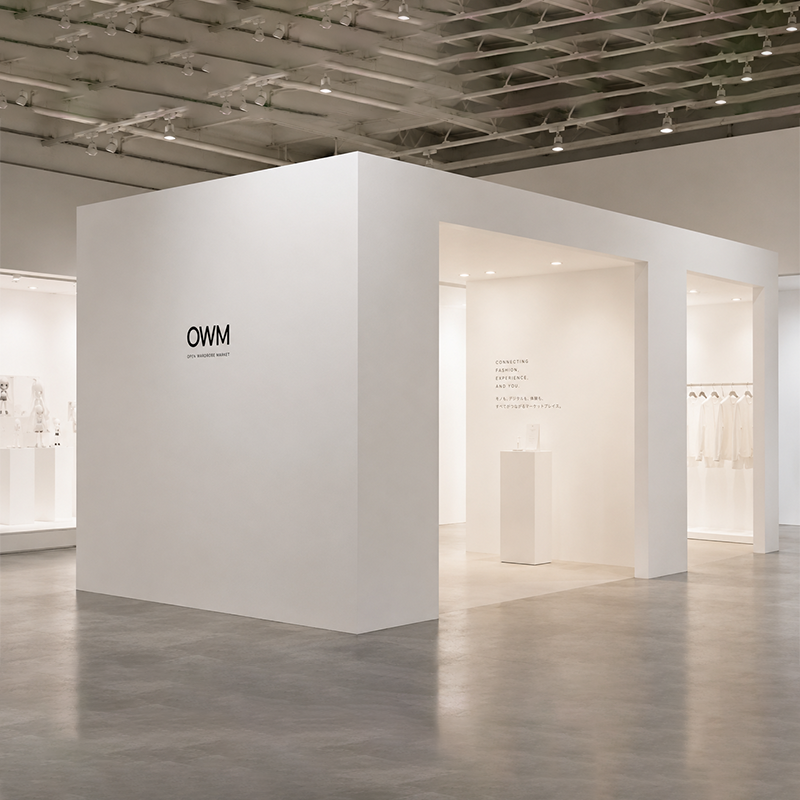
EXPERIENCE
Unlock special moments through limited events and projects
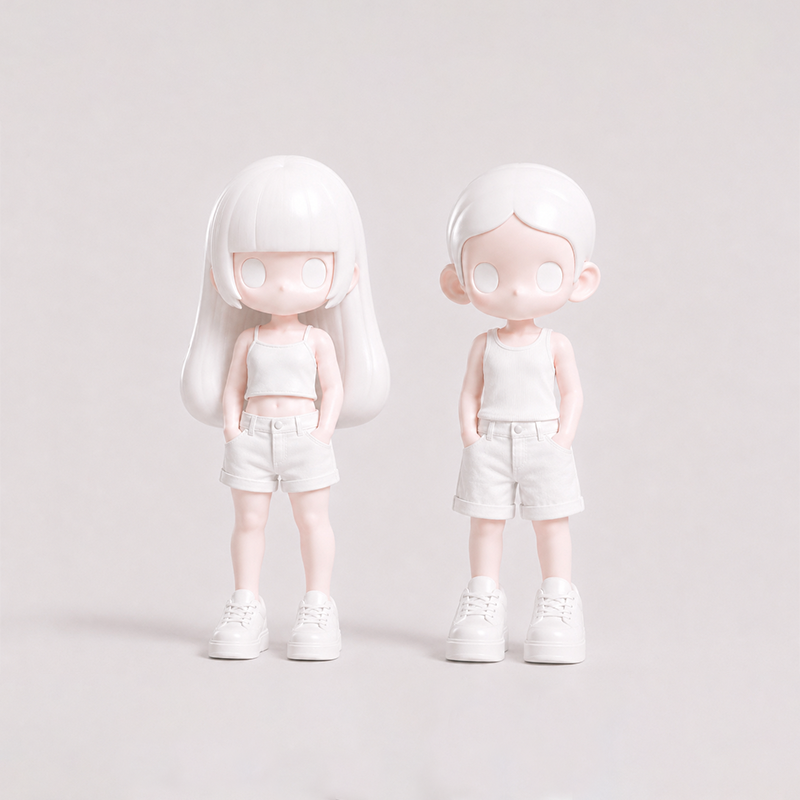
GROW
Pour in the things you love and grow your own Echoes
✦ CREATE
Shoot it, write it. Your Echoes come to life.
From a memory caught on camera, or a few written words — AI raises a single look, and your Echo wears it.
From memory or words
A scene shot on your camera, or a line you wrote — AI translates it into one complete look.
Your Echo wears it
Your own Echo puts the look on. The more you use it, the more it grows into you.
Enter events
Enter your favourite designs into events. Check each event for selection criteria, rewards and commercialization conditions.
From a photo
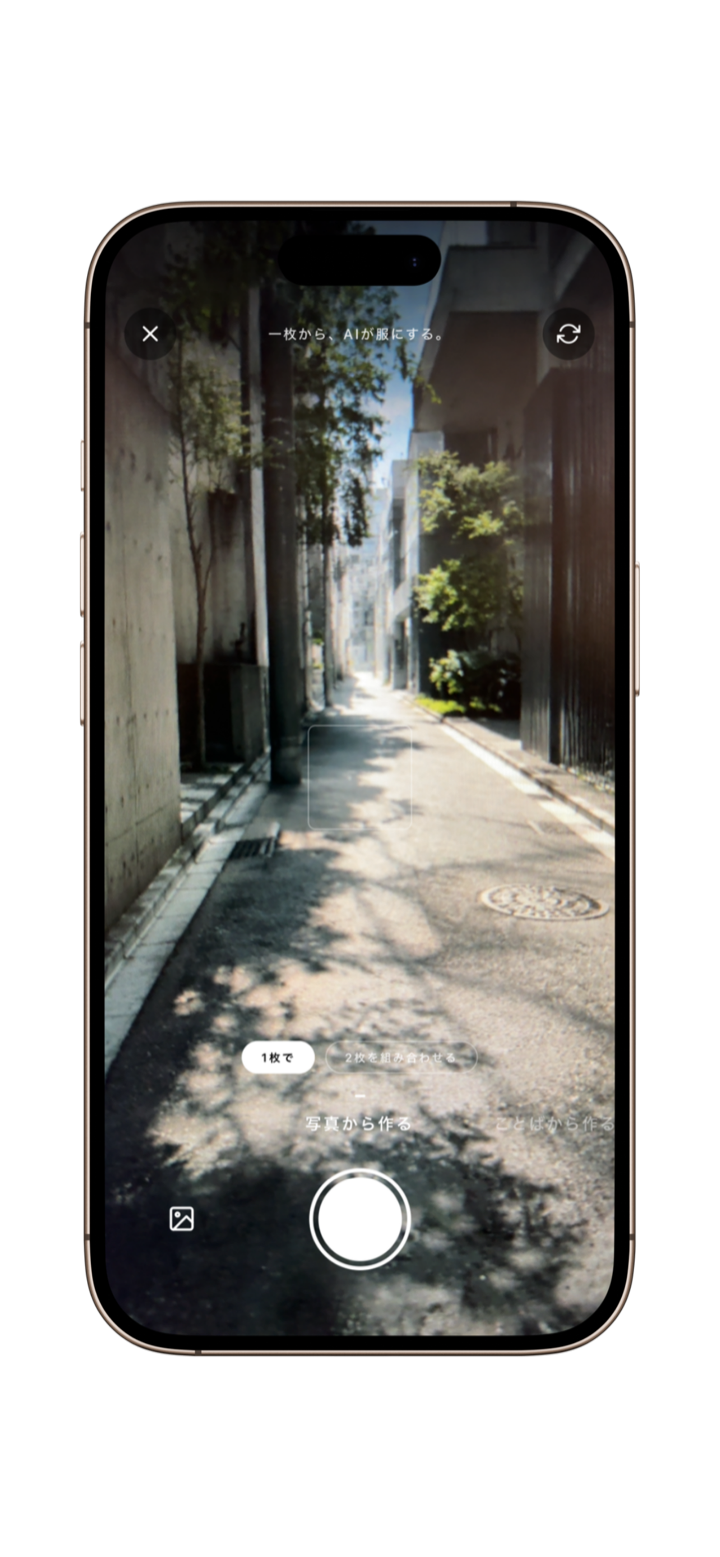
One photo
One shot, one look.
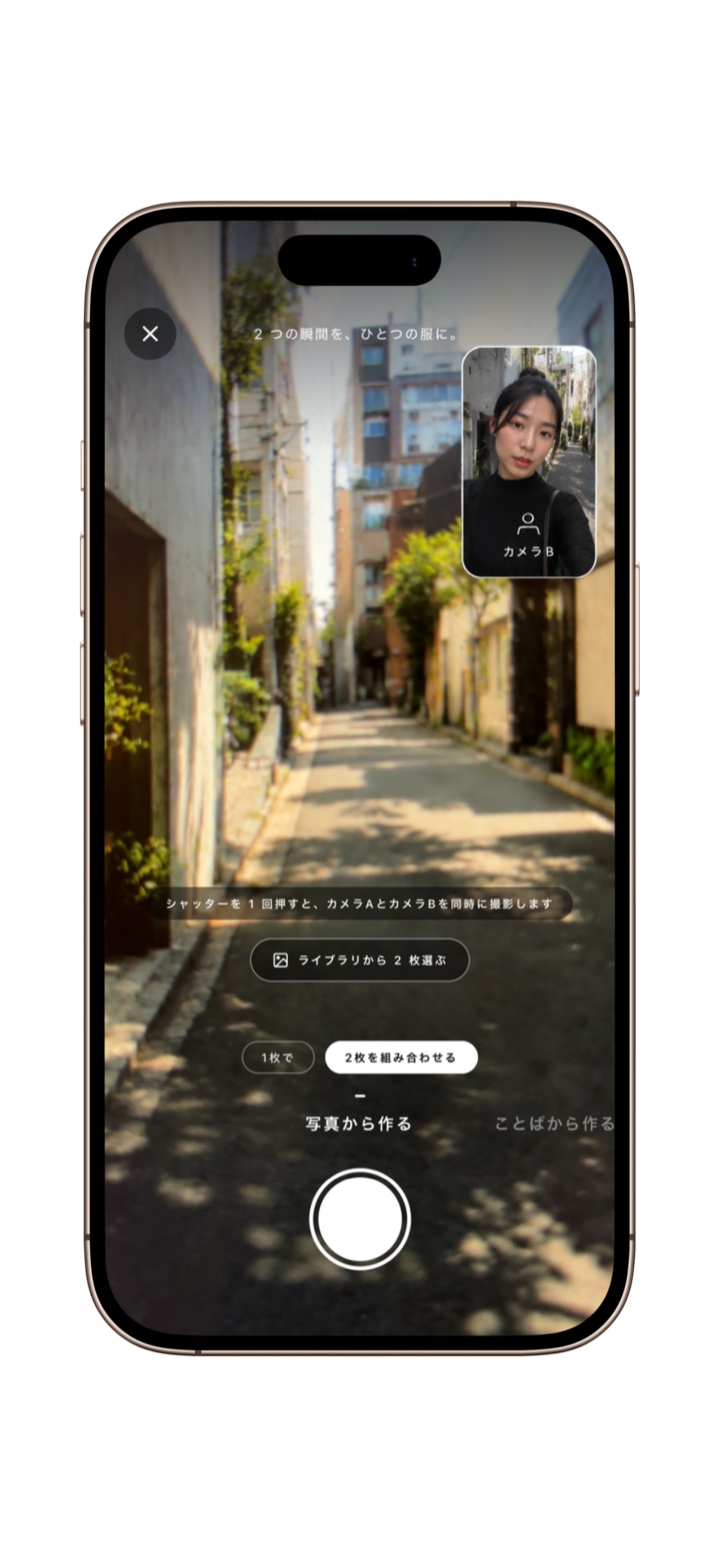
Combine two
Two moments, merged.
From words
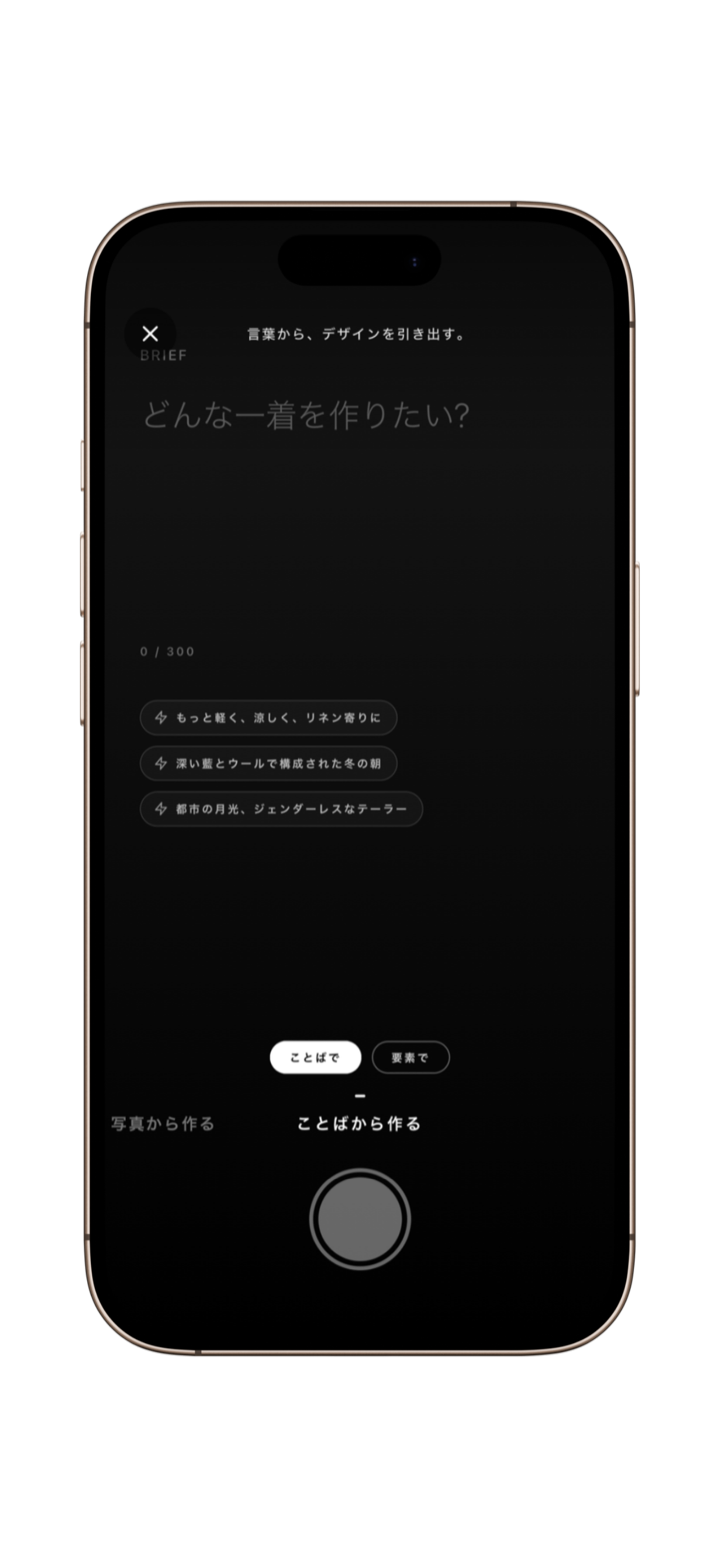
By words
Raise a look from language.
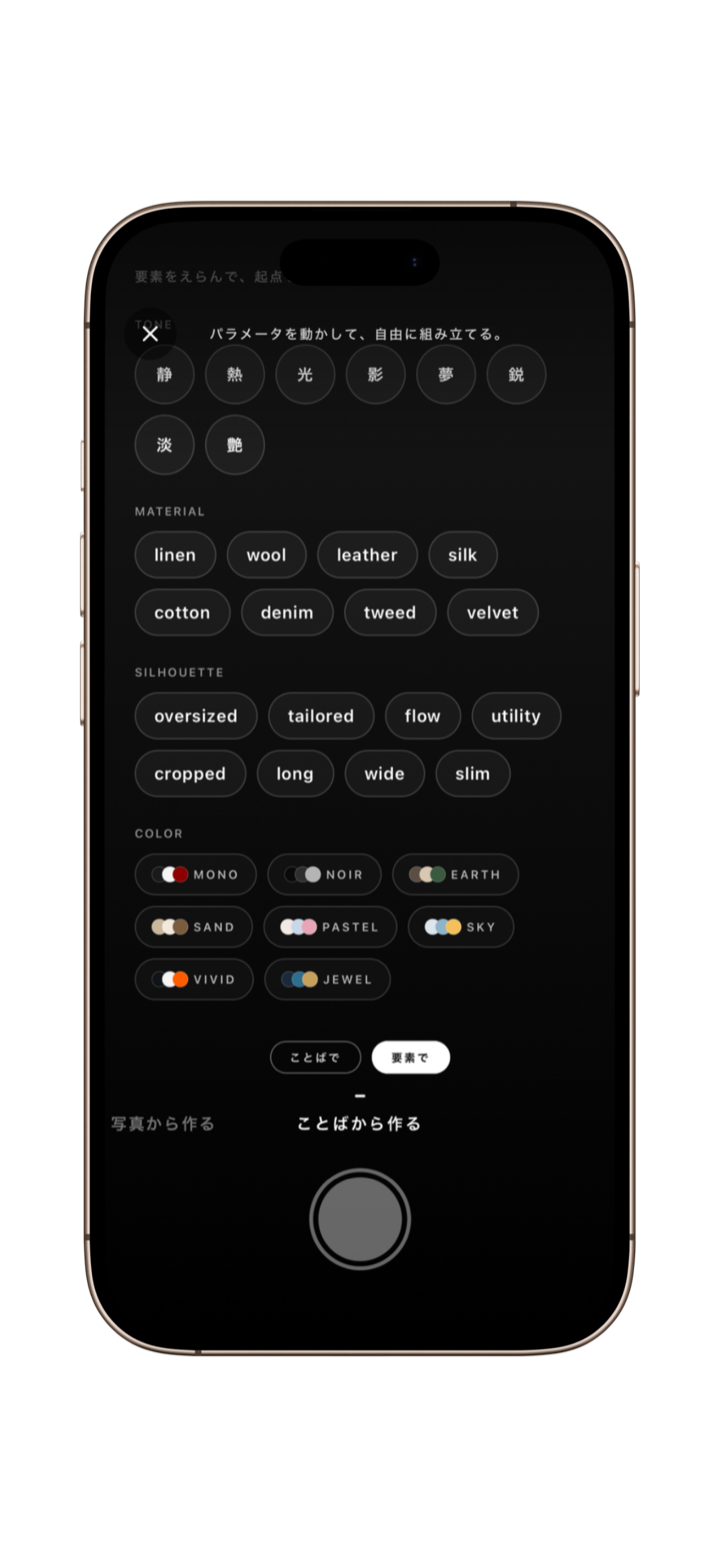
By elements
Pick elements, design it.
✦ ECHOES
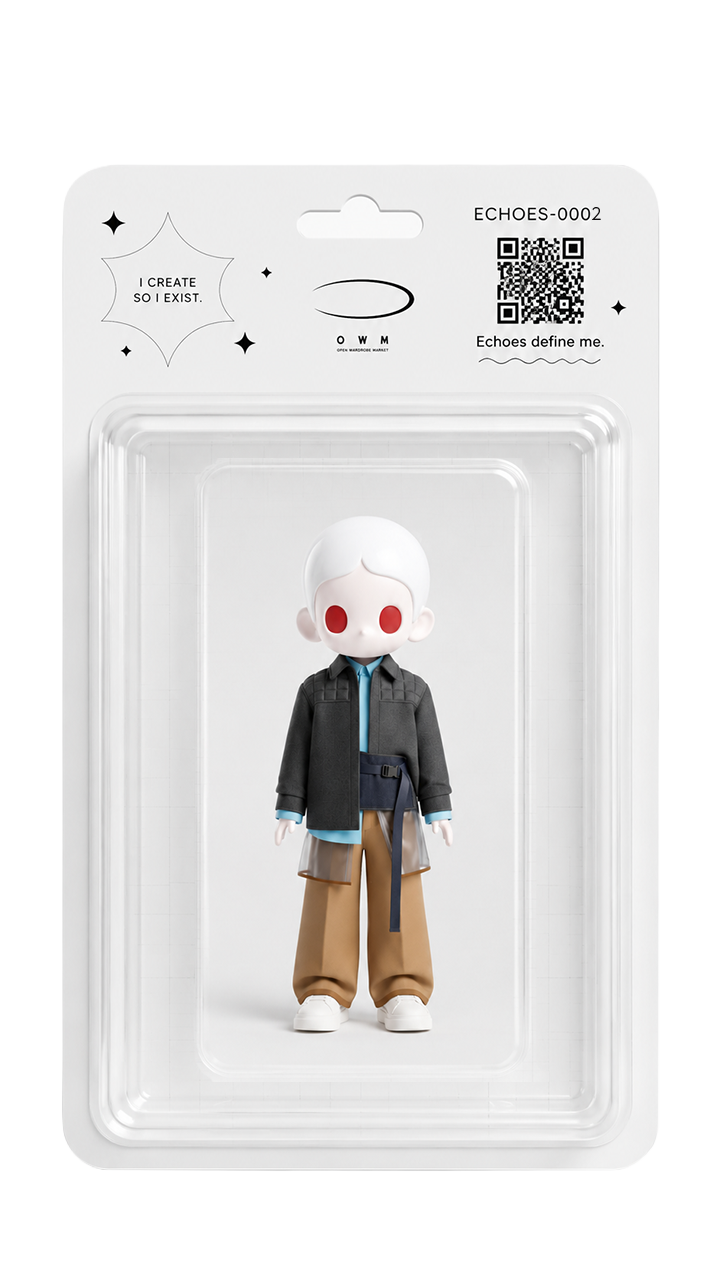
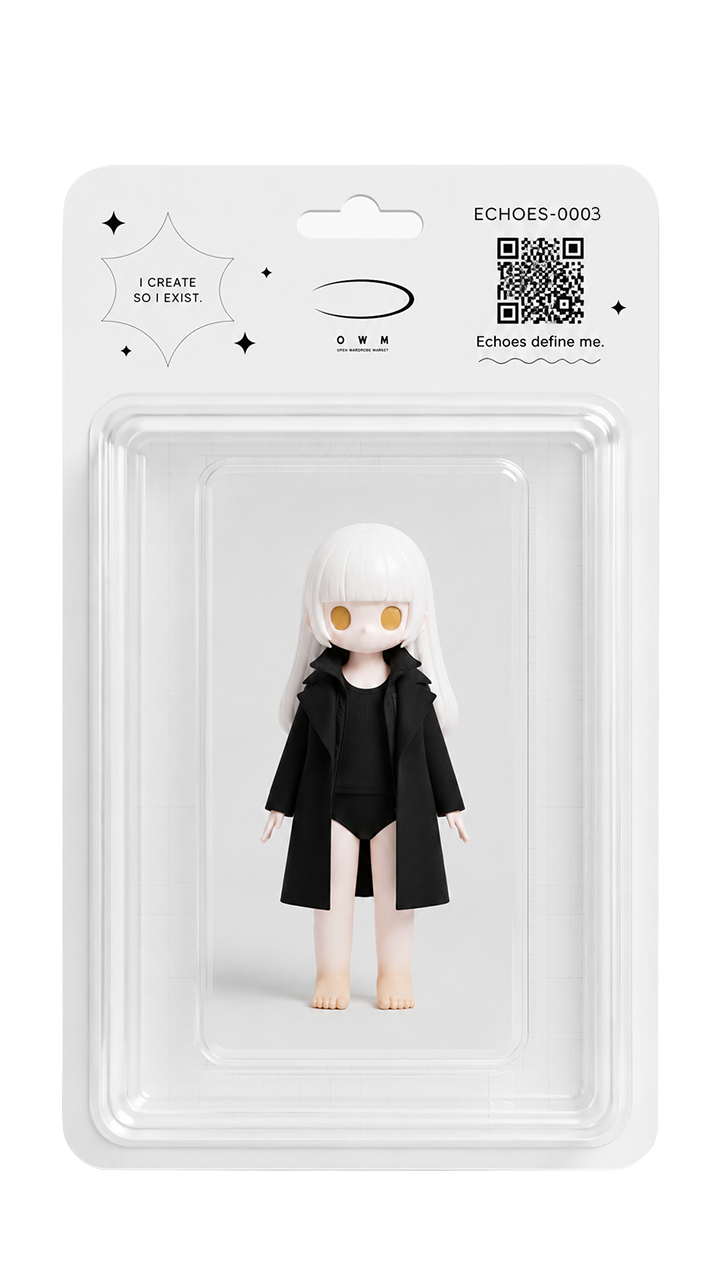
Digital becomes your style.
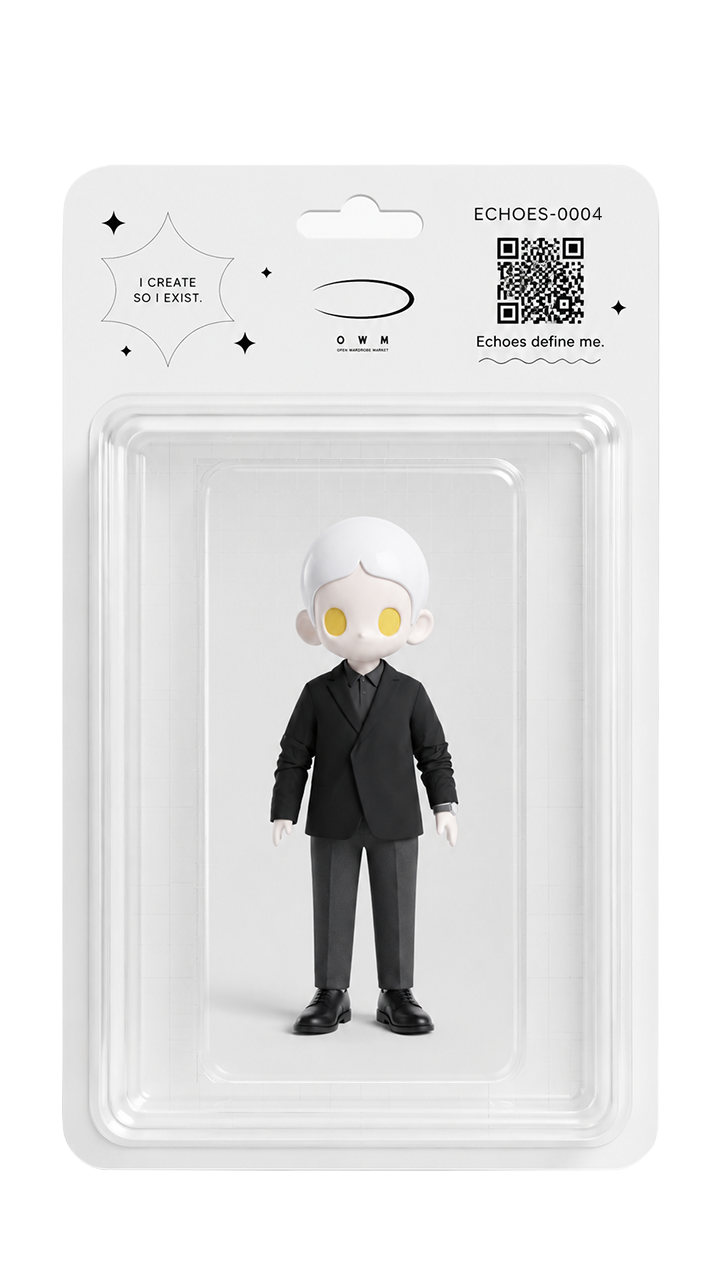
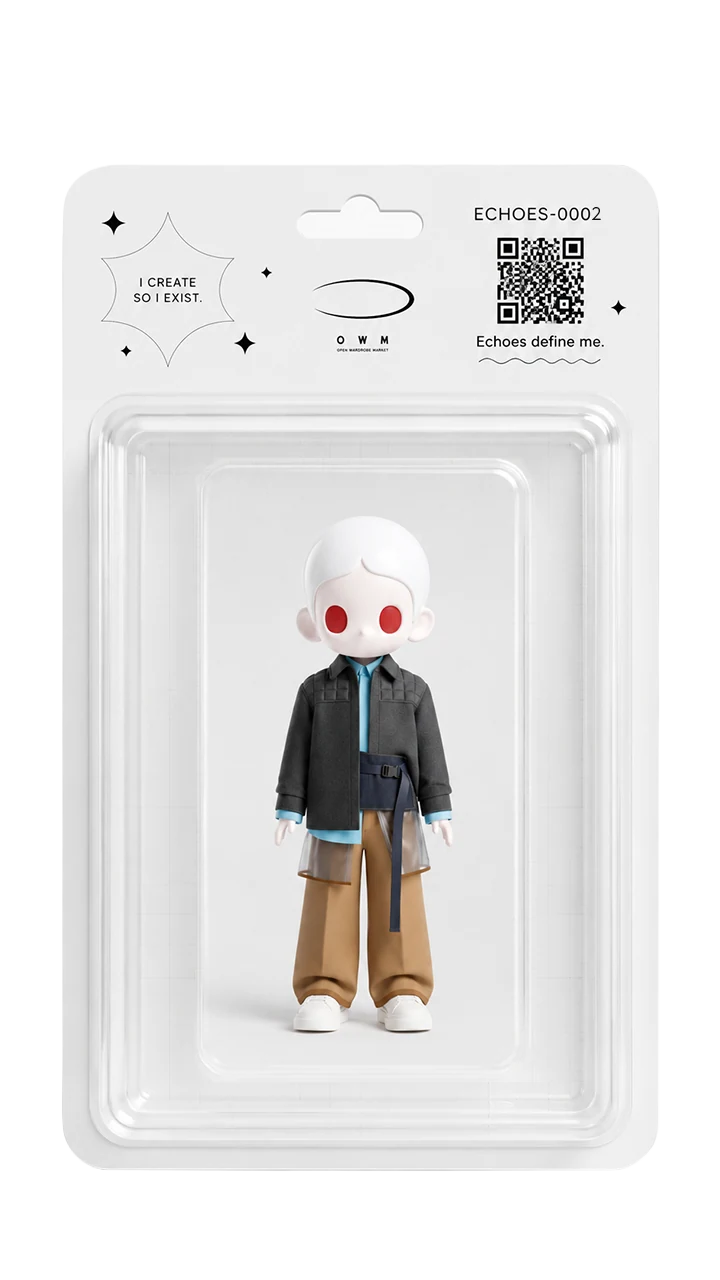
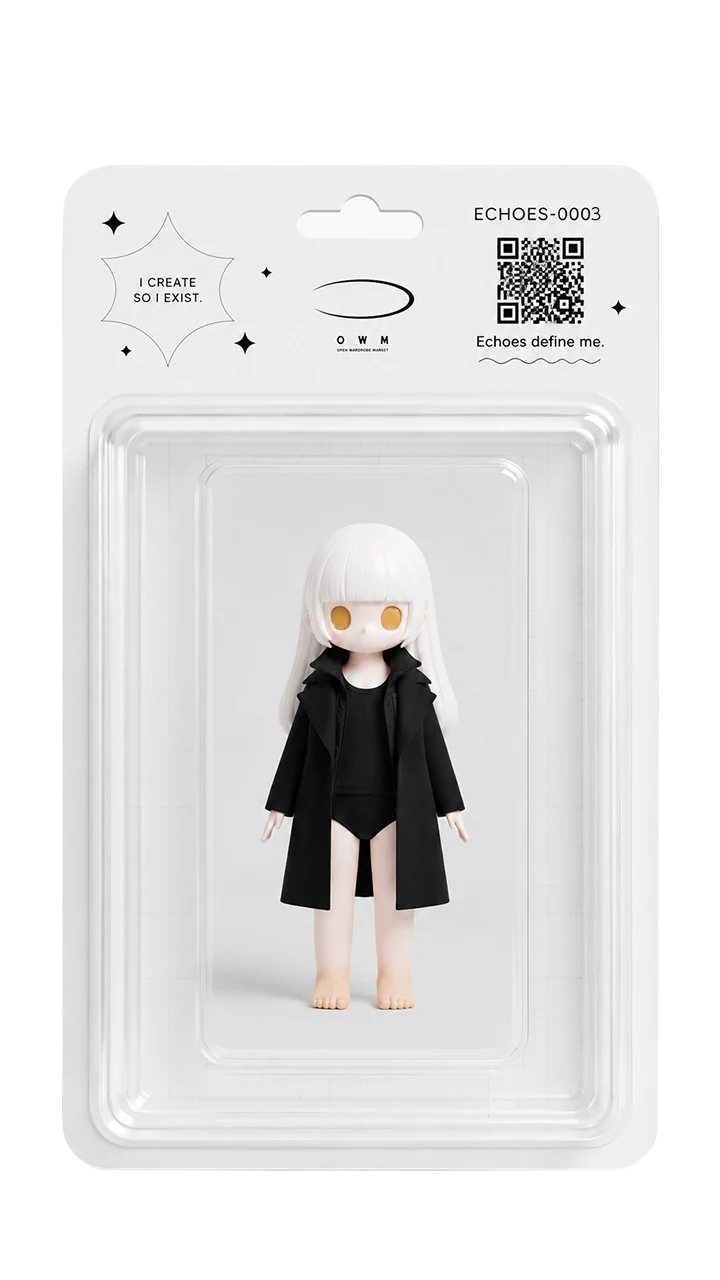
Echoes are characters that reflect what you love. Dress yours in AI-created looks and discover new appearances as you build your collection of work. Explore your own style in the app.
DISCOVER ECHOES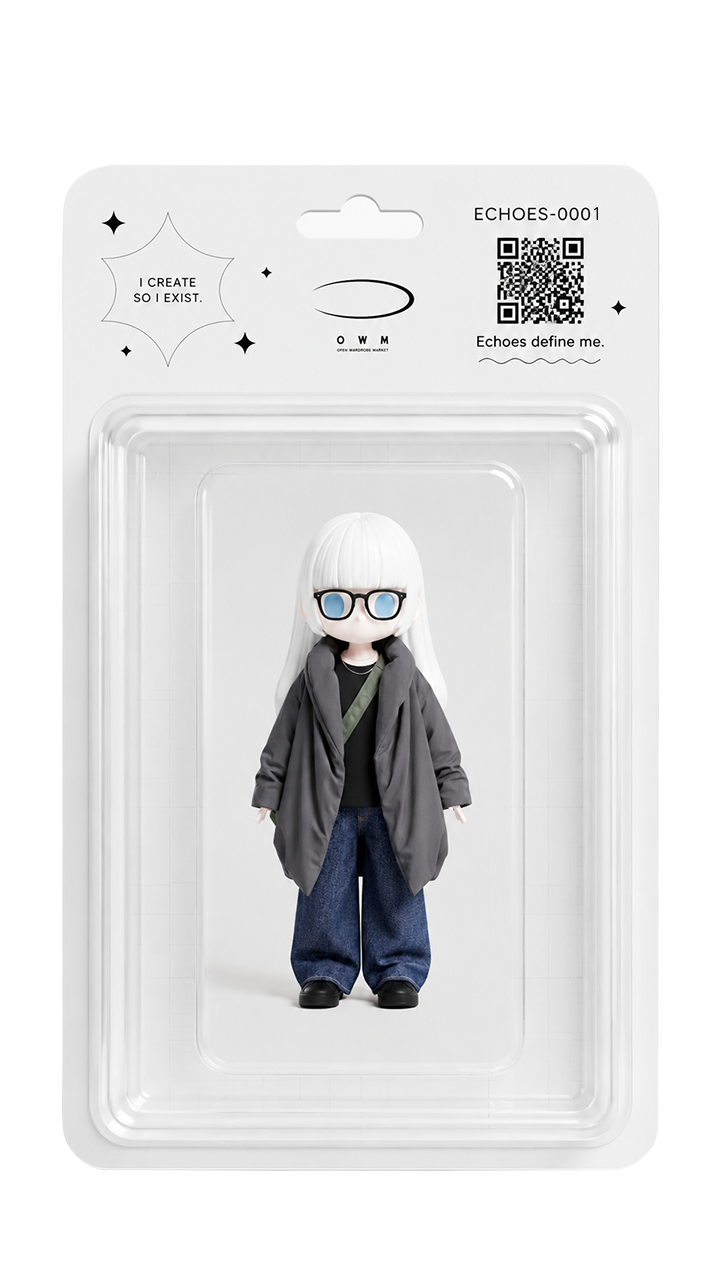
MARKET
Own it, for real.
OWM STORE is our official web store. Explore currently published products. Event designs may enter production subject to selection and production conditions; release dates and specifications are announced for each product.
Visit the store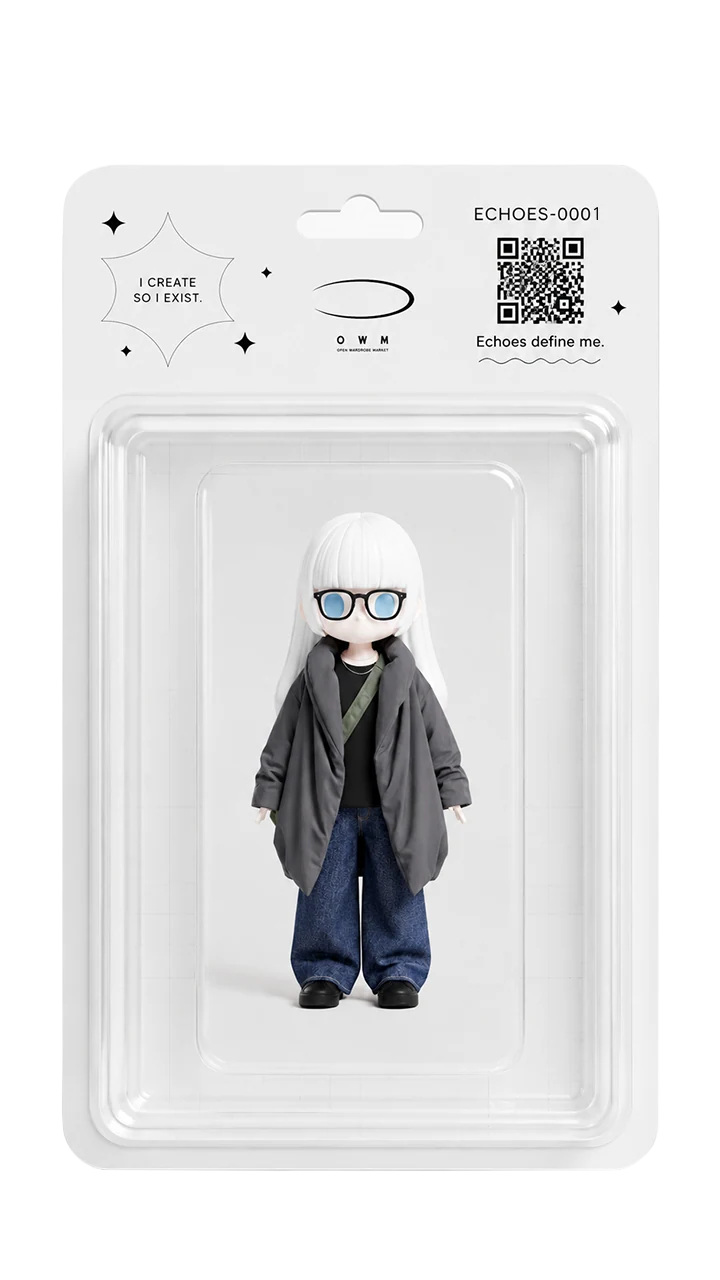
✦ MAGAZINE
Stay close to the culture.
Designer voices, behind-the-scenes of collections, community stories. OWM MAGAZINE delivers culture's current moment.
Designer voices, behind-the-scenes of collections, community stories. OWM MAGAZINE delivers culture's current moment.
READ ARTICLES →What you love creates new value.